
Searching Carlton County Civil Dockets
MCRO Case Search is the statewide entry point for any Carlton County civil docket. If a court notice gives you a case number, pick the Case Number option. All you have is a name? Choose Person or Business. Fill in the name fields, select Civil, and set Court Locations to Carlton County. Adding a filing date and status trims a long list. Still, a matching name proves nothing by itself. Check the case number before opening Carlton County Case Details. Also confirm the location, the filing date, the category, and the party role. Then work through the Register of Actions in order. It logs public events and permitted links, not a plain-English account of the dispute. A complaint or petition asks the court for relief. An answer, motion, order, judgment, or satisfaction each plays its own role. Context lives in the full Carlton County case record, never in one result row.
- Open MCRO and select Case Search.
- Enter the complete Carlton County case number, or select Person or Business and use the narrowest known name details.
- Select Civil and Carlton County, then add a filing-date range if several results remain.
- Compare the Carlton County result’s case identity before opening Case Details and the Register of Actions.
- Use Document Search only after the full Carlton County case number is confirmed; request certification separately when needed.
Carlton County Civil Case Codes
Carlton County civil case numbers look like 09-CV-YY-SEQUENCE, and family cases like 09-FA-YY-SEQUENCE. The Carlton County code is 09. Then comes the case type, a two-digit filing year, and the sequence. That code routes a record through the system. It does not settle the case type. A matter could be ordinary civil, family, probate, guardianship, conservatorship, or protected. For that, read the category on the actual Carlton County case detail and court notice. The Carlton district-court fees page lists the filing fees. The same court system that keeps civil dockets charges them.
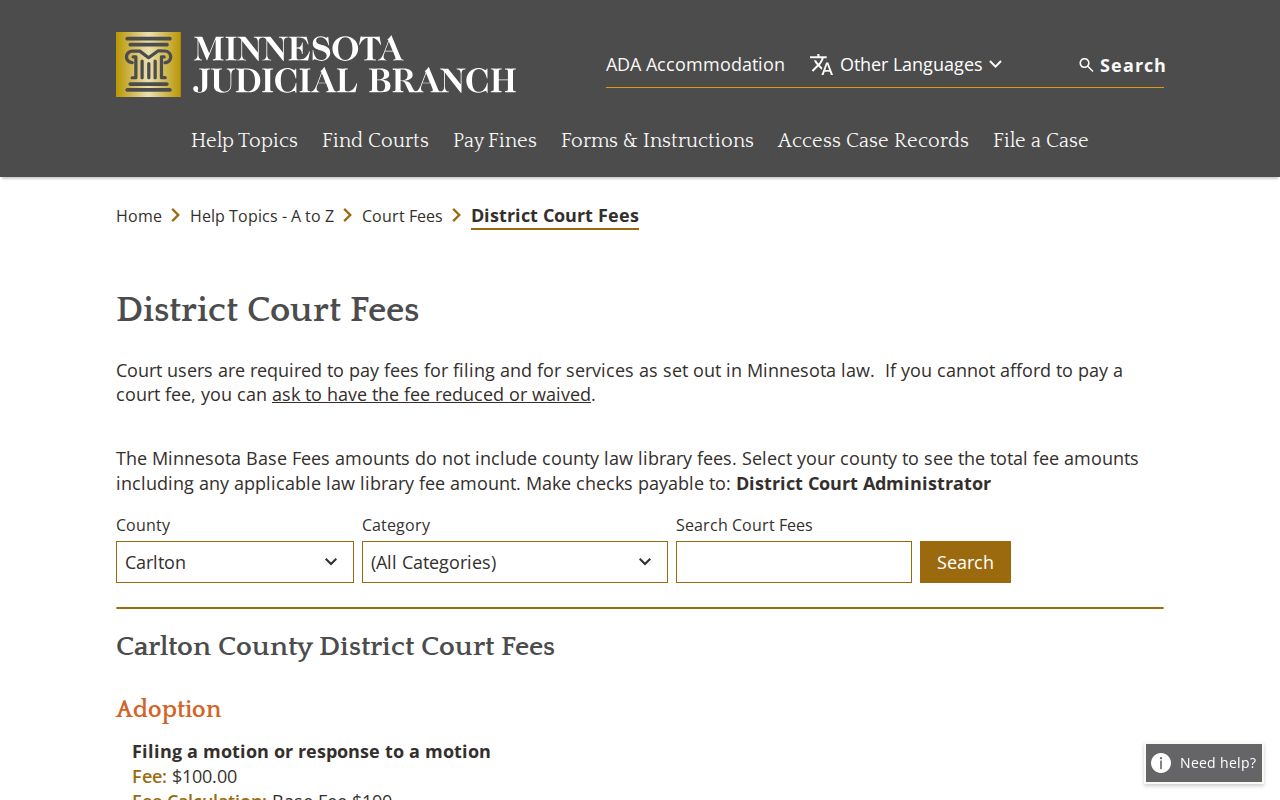
That fee page belongs to the Carlton County district court itself, the same system that maintains civil case records. A fee row never changes a docket entry. And paying a fee does not make a filing public.
Inside a Carlton County Civil Docket
Open a Carlton County civil case detail. You may find the case number, case style, party roles, filing date, court location, category, and status. It may also show the judicial officer, Register of Actions entries, settings, judgments, satisfactions, and links to public documents. What appears depends on the case category, document type, filing date, and public-access rules. Build one habit early: separate a party's request from the Carlton County court's response. A motion asks for a ruling. An order records one.
| Case number | Local MNCIS file number, such as 09-CV-YY-SEQUENCE, used to locate the Carlton County case. |
|---|---|
| Case style and roles | Party names and roles such as plaintiff, petitioner, defendant, or respondent where public. |
| Register of Actions | Chronological Carlton County event history, including filings, notices, hearings, orders, and later entries. |
| Judgment and satisfaction | A Carlton County judgment is an adjudicative or monetary entry; satisfaction records later payment or discharge as entered. |
| Public documents | Permitted Carlton County links are governed by case type, document type, filing date, and access limits. |
A case caption in Carlton County does not mean the claim succeeded. By the same token, a settlement conference on the calendar is just a scheduled event, not word that the case settled.
Carlton County Civil Document Search
Start with a case number. MCRO Document Search works only when you type the full Carlton County number with no spaces. Then hit the Find Documents control. It will not hunt for a filing by its title. For anything broader, the interface sends you back to Carlton County Case Details. It also points to the Register of Actions. Checking the number first keeps a filing from landing in the wrong same-name case.
Coverage is uneven. Documents filed on or after July 1, 2015 are widely available. Several civil and probate-related categories are covered. Family cases and post-adjudication paternity matters are narrower: mostly court-prepared orders, opinions, and notices. Older court-generated documents face their own date and category limits. A permitted download is free, but it is not a certified Carlton County copy.
The official Document Search page provides the Carlton County interface. You will use it for this docket lookup.
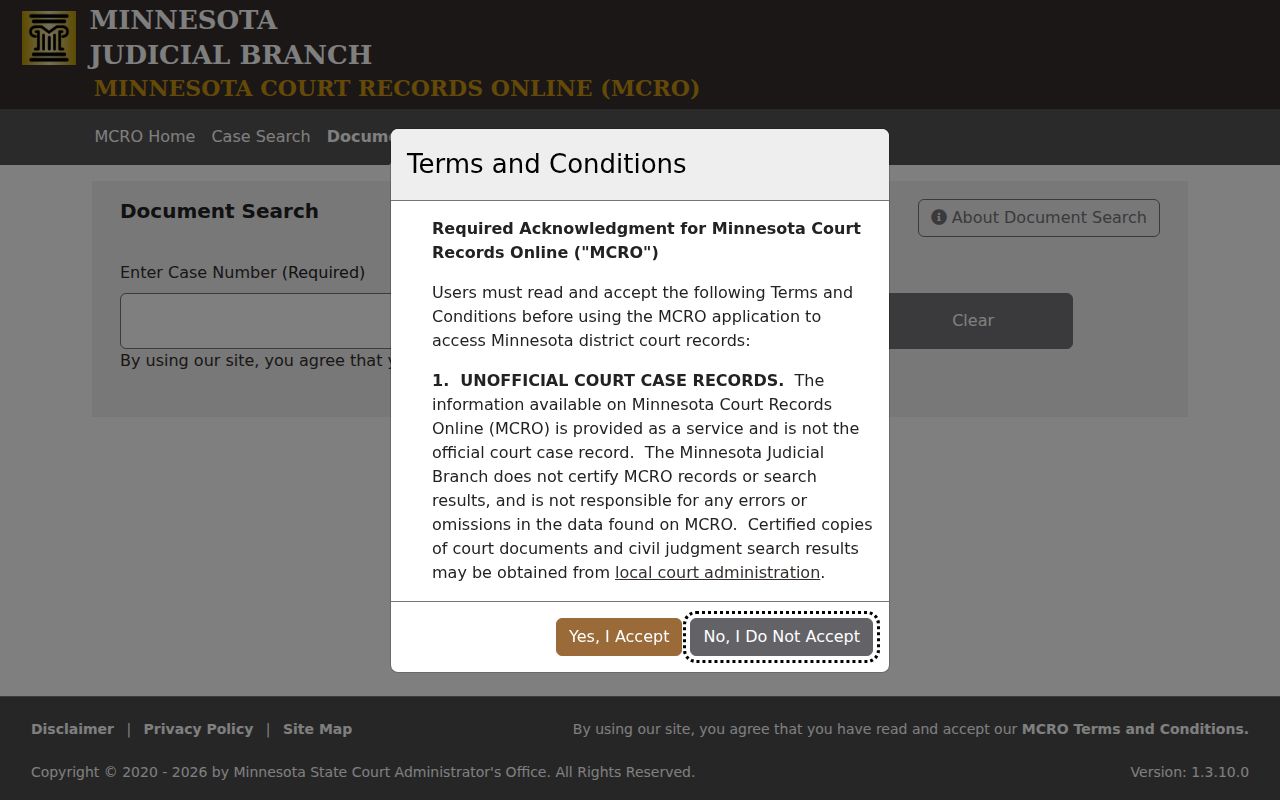
The tool demands a complete number for a reason. The smart Carlton County sequence is to identify the case in Case Search first, then hunt for the specific public document.
Civil Case Types on the Docket
Carlton County District Court is the state trial court. It hears ordinary civil actions and conciliation matters filed in the county. In MCRO, Carlton County Civil sits apart from Family and from Probate or Mental Health. Don't collapse those labels into one catchall just because nothing is criminal. The category is printed on the Carlton County notice and case detail. It sets the correct search and access path.
- Ordinary Carlton County civil actions can involve pleadings, motions, hearings, orders, judgments, and satisfactions.
- Carlton County conciliation matters use the district-court administrative structure and have their own first-paper fee row.
- Carlton County family matters share the district-court structure but can have more limited remote document access.
- Carlton County probate, guardianship, conservatorship, trust, and mental-health/probate categories have separate case and document rules.
Carlton runs no separate municipal civil court. Search county-filed district matters through MCRO and Carlton County Court Administration, not a city-government page.
Carlton County Civil Event Sequence
Read the Register of Actions as a story told in order. In Carlton County, a complaint or petition opens the file with a theory of relief. Service and notice entries mark procedural steps. A response answers a pleading. When a motion asks the court to act, the order records what the court actually did. A judgment may come later. A satisfaction can follow as a later entry about a judgment obligation. Dates and exact text matter far more than any generic status label.
Never treat a hearing label as a result. Motion Hearing, Settlement Conference, Evidentiary Hearing, Court Trial, and Review Hearing are calendar events. They are nothing more. A Court Trial entry is a scheduled setting. It is not a verdict. A dismissal order may carry terms no label can reveal. If a remote Carlton County docket looks thin, try the courthouse terminal. You can also ask Carlton County Court Administration about the lawful copy process.
Civil Docket Settings and Hearings
Pair two tools for a civil docket check in Carlton County. Use the Carlton daily court calendar for logistics and the Register of Actions for history. The calendar gives the party name and hearing location. It adds date and time, judicial officer, hearing type, connection type, and case number. It posts each business day and updates hourly, though confidential or non-remotely-accessible matters can be left off. Printed calendars in public lobbies and outside courtrooms are the freshest daily source.
A case notice wins any conflict with a calendar. Settings also shift after continuances or resets. When a civil date matters today, read the notice and compare MCRO Hearing Search against the newest daily PDF. Call Court Administration at 218-673-5065 if needed. For the full process, see Carlton County Court Dates.
Carlton County Civil Record Copies
Need an authenticated civil instrument? Send a specific request to the Sixth District Copy Center. Give the case number or year. Name the document, state how many copies you need, and pick plain, certified, or exemplified treatment. Carlton's fee schedule lists plain instrument copies at $0. Certified copies run $14. Exemplified-plus-certified copies cost $28. Confirm the live fee page before relying on any amount.
The Copy Center handles Carlton requests centrally through the Sixth Judicial District. It promises no set turnaround in its published materials. Staff call for payment, and nothing ships until payment is complete. Certified and confidential records cannot go by email. A transcript is a separate court-reporter product. It does not appear automatically just because a hearing happened.
Civil Docket Access Rules
The Minnesota Rules of Public Access govern record access for state courts, and they draw a line between remote access and courthouse-terminal access. A sparse remote result proves little. It can omit a document or show a limited record. The file stays open. It remains available through other lawful channels that the public can use. The Justice Center terminal is the fuller public fallback. Even it cannot override a sealed, confidential, or restricted classification.
Family, civil-commitment, protection-order, and sealed material carry special limits of their own. A public case shell can hold an event with no document attached. The Minnesota expungement chapter on the official statute page spells out the sealing law.
An expungement order seals qualifying records under its governing process. It never justifies guessing at the facts or outcome behind a missing remote result.
Carlton County Civil Data Boundary
MCRO is a public case and document interface. It is not a general civil-data export. The service offers no public export control and bars bots and data mining. Aggregate research belongs in the Judicial Branch dashboard or formal data-request channels. It does not belong in repeated name searches. That boundary protects the system. It also guards the line between a case lookup and bulk data work.
The public interface also promises no fixed uptime and no permanent set of status labels. Search controls change. The careful method for one public case is simple. Preserve the complete case number, and note the search date. Read the actual Register of Actions. Use a formal copy route when an authenticated document is required.
Minn. Stat. § 13.03 sets the government-data baseline for inspection and copies. Court records stay under the more specific Judicial Branch rules. The official statute page lays out the full text.
For a particular court file, begin with MCRO, the public terminal, or Court Administration. A general county request may not supply the same case material.