
How to Search Cases by Name
Begin at MCRO Case Search and pick Name. Choose Person or Business, then type the last name first. First and middle names just narrow things. From there, select Carlton County under the specific-county option. Add a case category or date range if you know those details. A full Carlton County case number is still the better tool. Still, a well-filtered name search can lead you to the right Case Details page.
Before trusting any result, compare the fields. Check the case number, location, filing date, category, status, and party fields. MCRO itself warns that names, aliases, and birth dates can overlap or carry typos. Two people in Carlton County can share a name. A match is not proof of identity. Also, never paste a real date of birth into a public example. Give the system only what a genuine Carlton County case lookup actually needs.
- Choose Person or Business in Name mode and enter the least ambiguous known name fields.
- Select Carlton County rather than treating a statewide name hit as a Carlton County case.
- Choose Civil, Criminal, Family, or Probate or Mental Health when the Carlton County notice or case context supports a category.
- Use Date Filed or other available filters to reduce a broad Carlton County result.
- Open Carlton County Case Details and verify the case before reading the Register of Actions or public documents.
| Field label | Type | Required | Use in a Carlton search |
|---|---|---|---|
| Select Name Type | Choice | Yes for name mode | Choose Person or Business before entering Carlton County name details. |
| Last Name | Text | Search input | Use exact text or a permitted trailing wildcard after at least two characters. |
| First / Middle Name | Text | Optional | Useful Carlton County refinements when a last name is common. |
| Case Category | Checkboxes | Optional | Available groups include Civil, Criminal, Family, and Probate or Mental Health. |
| Court Locations | Scope choice | Choose scope | Select specific county and then Carlton to focus the search. |
Carlton County MCRO Search Tabs
MCRO splits its public search work into four tabs. Each answers a different question. Case Search finds case details and the Register of Actions. Document Search hunts for permitted documents, but only once you hold a complete case number. Hearing Search lists scheduled hearings using date and county filters. Judgment Search pulls judgment information through debtor, docketed-date, status, and county controls. Pick the tab that fits the question. Don't force every search through a name.
The official Case Search interface is the state page behind Carlton County's public search screen.
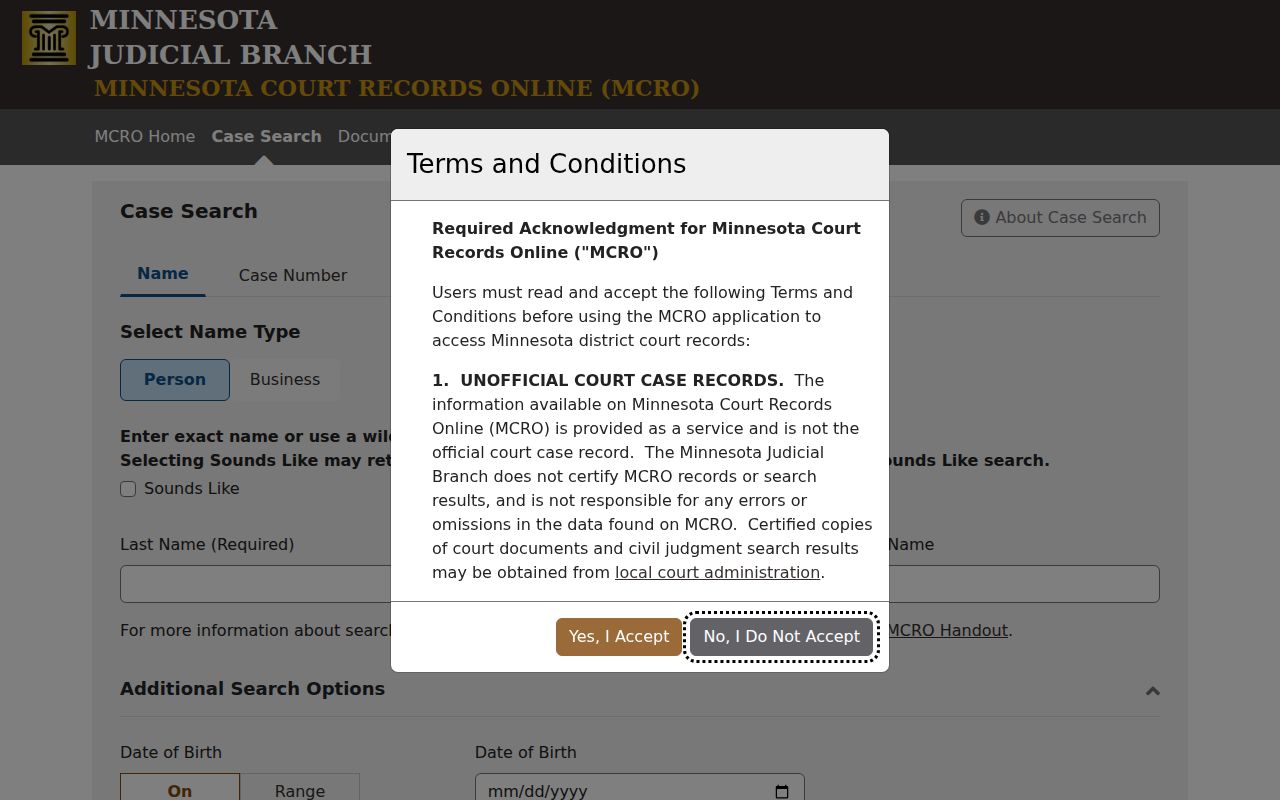
No public login is required, and the page charges no MCRO search fee. Keep in mind that results stay unofficial and subject to public-access limits.
How to Search by Case Number
Case Number mode wants one complete Carlton County MNCIS case number. The official instructions accept numbers with or without dashes and with or without leading zeroes. Spaces, though, are not allowed. Type a partial number and you get an error. You do not get a broad search that somehow works. Calendar examples from Carlton County use the county prefix 09, then a case type, a two-digit filing year, and a sequence: 09-CR-YY-SEQUENCE, 09-CV-YY-SEQUENCE, 09-FA-YY-SEQUENCE, or 09-VB-YY-SEQUENCE.
Citation Number mode works differently. It takes the complete preprinted citation number, again without spaces. Some Carlton County notices carry both a citation and a later case number; use whichever one answers your question. Case Search ends at the Register of Actions. A traffic citation may also point you to payment and appearance instructions. Above all, a case number is the surest way to separate a real Carlton County file from a same-name match.
Carlton County Case Code 09
That 09 prefix marks Carlton County in the examples on the daily court calendar. The letters after it name the case type. CR signals a Carlton County criminal matter requiring appearance. CV marks civil examples, FA marks family, and VB marks payable or non-mandatory traffic. The format tells you how the file routes. It says nothing about how the case ends.
A calendar number can lead you to its case detail, but don't copy one off a live Carlton County schedule as a general example. For events, dates, hearings, orders, and permitted documents, read the Register of Actions itself. Missing the number? A narrowed search by name, category, and date beats guessing at an incomplete sequence.
What a Case Search Shows
Open a Carlton County match and MCRO Case Details assembles the file. You'll see the case number, public party roles, filing date, county location, category, status, judicial officer, hearing settings, judgments, and a chronological Register of Actions. What you can see depends on case type and access rules. One distinction matters most: event is not outcome. An arraignment is not a conviction. A charge is not a disposition. One hearing row is never the full case history.
| Case number | The MNCIS identifier used to confirm the correct Carlton County file. |
|---|---|
| Location and category | Where the Carlton County case is filed and its public classification, which help separate similar records. |
| Filing date and status | Carlton County timing and current label; neither describes every event or final outcome. |
| Register of Actions | Chronological Carlton County events and permitted record links, including filings, notices, settings, orders, and later entries. |
| Hearing and judgment information | Carlton County public schedule or monetary-judgment fields that must be read with the underlying case context. |
Document Search and Judgment Search serve narrower jobs in Carlton County. A permitted document download is not certified, and a judgment-search result does not equal a certified Carlton County judgment search.
Carlton County Hearing Search
MCRO Hearing Search offers Name, Case Number, Judicial Officer, and Attorney modes. You can filter by exact Carlton County hearing date or a range. Case category filters apply, and so does statewide or specific-county scope, including Carlton County itself. Reach for it when you want to know what's scheduled. But it cannot replace the Register of Actions. A reset, cancellation, order, or later event may show up there.
The official Hearing Search interface is the state page behind Carlton County's hearing search view.
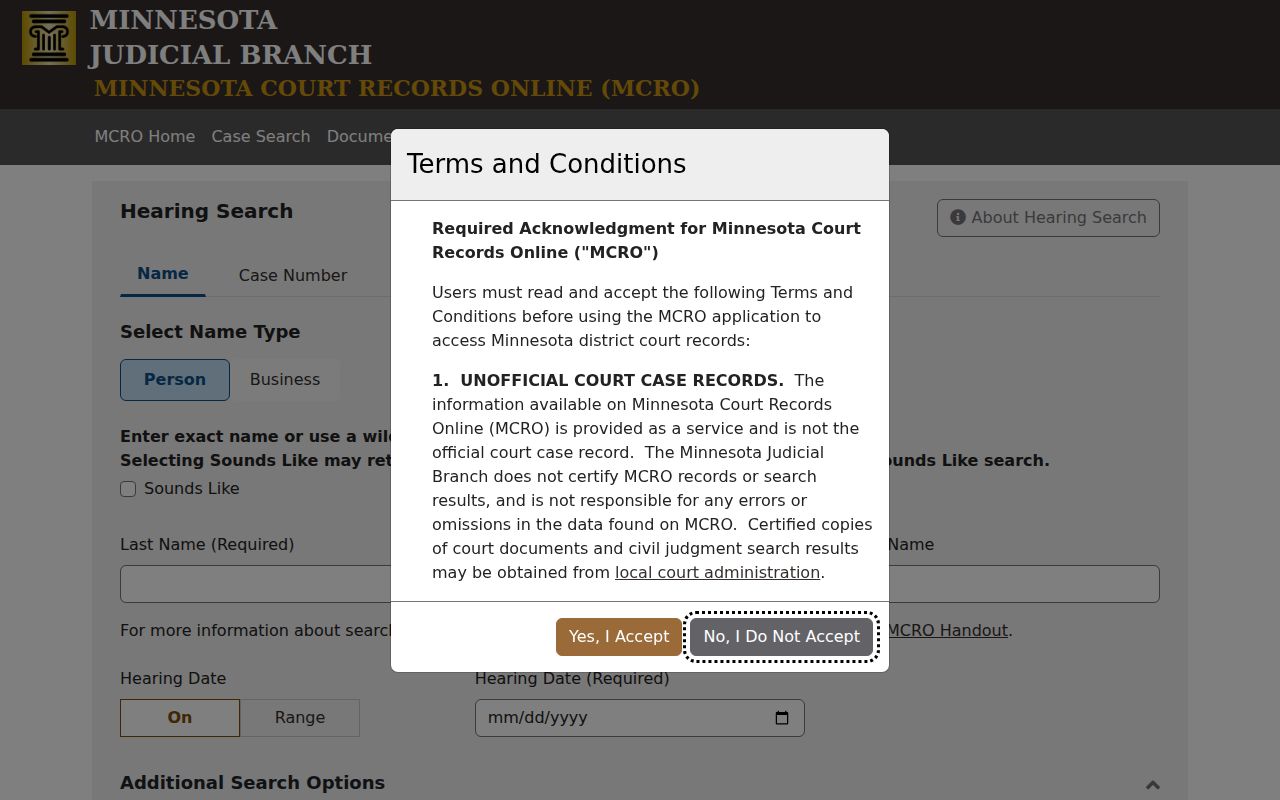
Cross-check any Carlton County hearing result against the Carlton daily calendar plus the notice itself. The calendar PDF comes out each business day. It updates hourly. For the freshest Carlton County courthouse calendar, the printed version posted there is the one the courts call most current.
County vs Statewide Case Search
MCRO covers the whole state. Yet its Court Locations control lets you narrow a search to Carlton County. That statewide reach helps when you don't know which court holds the docket. It also helps when a case might span several counties. Pick Carlton instead when a common name floods the results, or when a court notice already points here. Either way, the public-access rules stay the same. The remote display is still just a display, not a certified record.
| Statewide MCRO scope | Carlton County filtered scope |
|---|---|
| Searches the statewide public court interface. | Limits an MCRO search to Carlton within the same statewide system. |
| Useful when the likely county is unknown. | Useful for a known Carlton case or a common name. |
| Can return unrelated same-name results from other locations. | Still requires case-detail confirmation and can omit restricted material. |
| Does not replace a courthouse terminal or certified-copy process. | Does not replace a courthouse terminal or certified-copy process. |
Carlton has no separate county web docket sitting under MCRO. The public search, the Justice Center terminal, and Court Administration are all layers of the Minnesota Judicial Branch system.
Carlton County Judgment Search
Judgment Search works from the debtor's side of things. Choose Person or Business, then fill in last, first, and middle names. A Sounds Like option catches near spellings. Docketed-date fields accept one exact date or a range. You can filter by Judgment Status. You can also scope the docket search statewide or to a single county. Treat it as a tool for monetary-judgment questions. Do not use it as a stand-in for a full civil case lookup. The status choices on the live screen may differ from any fixed list you expect. The official Judgment Search page shows the interface itself.
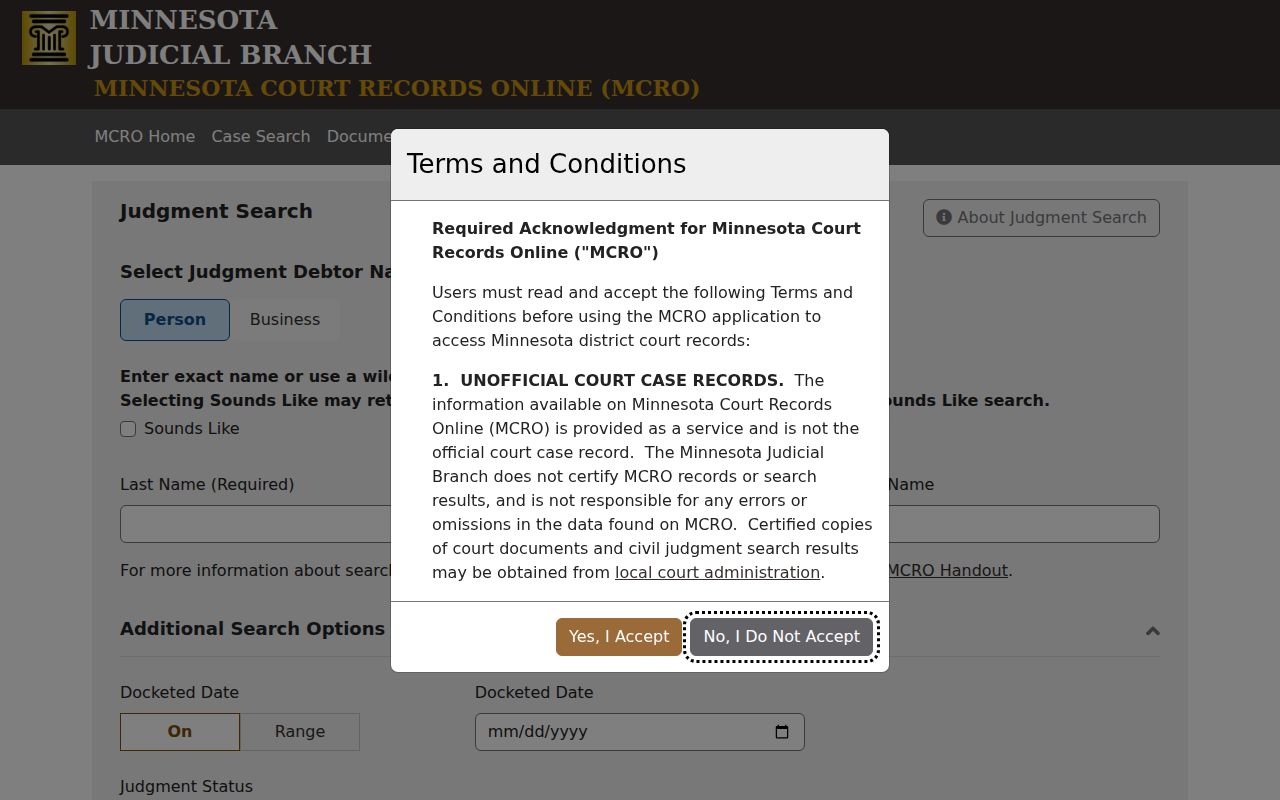
A result can point you to public judgment information and satisfactions. For certified judgments and certified instruments, though, go through Court Administration or the Sixth District Copy Center.
Carlton County MCRO Session Limits
MCRO gives a public session roughly 30 minutes before it cuts you off. A warning appears near the 28-minute mark. Save yourself the headache. Keep the full case identifier and your search plan ready in advance. That matters particularly if you will hop between Case Search, Document Search, Hearing Search, and Judgment Search. The screen also offers Find and Clear buttons. Hit Clear before any new docket search so an old filter does not contaminate the results.
Bulk work is another matter. MCRO provides no public export or bulk-download control. Its terms bar bots and data mining. For aggregate court research, the Judicial Branch dashboard is the right channel. A formal data request or an approved bulk-extract arrangement works too. A public lookup serves one purpose: finding and understanding a single court record through lawful access.
Restricted Cases and Access Rules
What you can see remotely is set by the Minnesota Rules of Public Access. The rules apply both to online results and to courthouse terminals. Plenty of material gets limited. That includes some domestic-abuse and harassment records. It also includes VAWA-related material, CHIPS and certain juvenile delinquency records, civil-commitment files, addresses and comments, expunged matters, and confidential filings. A quirk worth knowing: pending criminal, traffic, or petty-misdemeanor information may stay hidden in a defendant-name search. A case-number search may show a different permitted view.
A thin result is often a lawful access classification, not a glitch. It might appear as no name match. It might be a case shell with few details, or an event with no public document attached. When that happens, try the public terminal at the Carlton County Justice Center. You can also call Court Administration at 218-673-5065. Staff can explain a lawful access or copy route. They cannot override sealing or confidentiality.
Carlton County Case Terminal Fallback
A remote MCRO result sometimes comes back incomplete or hard to narrow. In that case, the Justice Center public access terminal is the local fallback. The Carlton County District Court page identifies the active court. The address is 1780 Justice Drive, Suite 2700, Carlton, MN 55718. Per the Judicial Branch, courthouse terminals open up more complete public electronic access than the remote layer does.
Go in prepared. Bring a case number or citation. Or bring at least a narrowed name, date, and category plan. Need an official copy? Identify the exact document and use the Sixth District Copy Center request process. Plain and certified copies are different products. No terminal search can make a sealed record public.